PDF or photo
Upload a photograph of your printed menu, or its PDF.
For restaurants, hotels, cafés and bars
Change a price once. Your QR menu and Google update at once, and the new print PDF is one click away.
Create and preview it free. No card needed. Bring your current menu in from a PDF or a photo in minutes.
SAMPLE VENUE
How it looks on Google
Slow-proved dough, San Marzano tomato, fior di latte, basil. On the dinner menu.
$16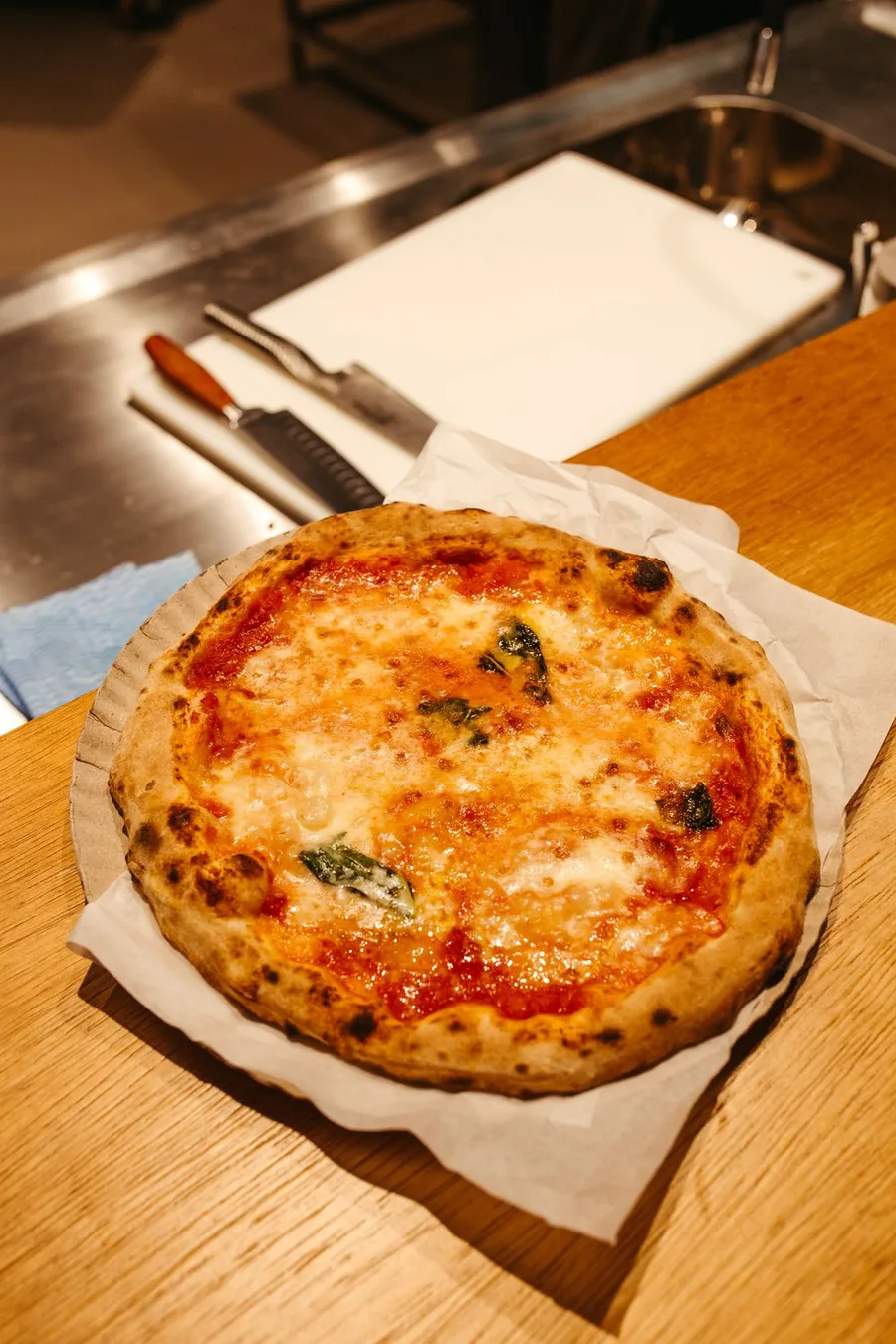
Beef, taleggio, rocket, focaccia bun. Served with rosemary fries.
$18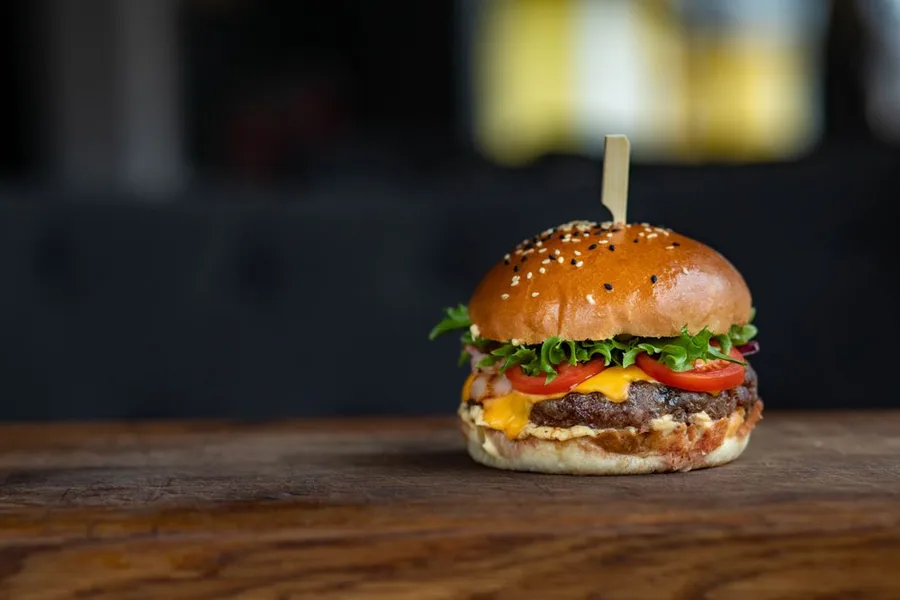 menu.juniper-restaurant.comOn your own domain · SSL included
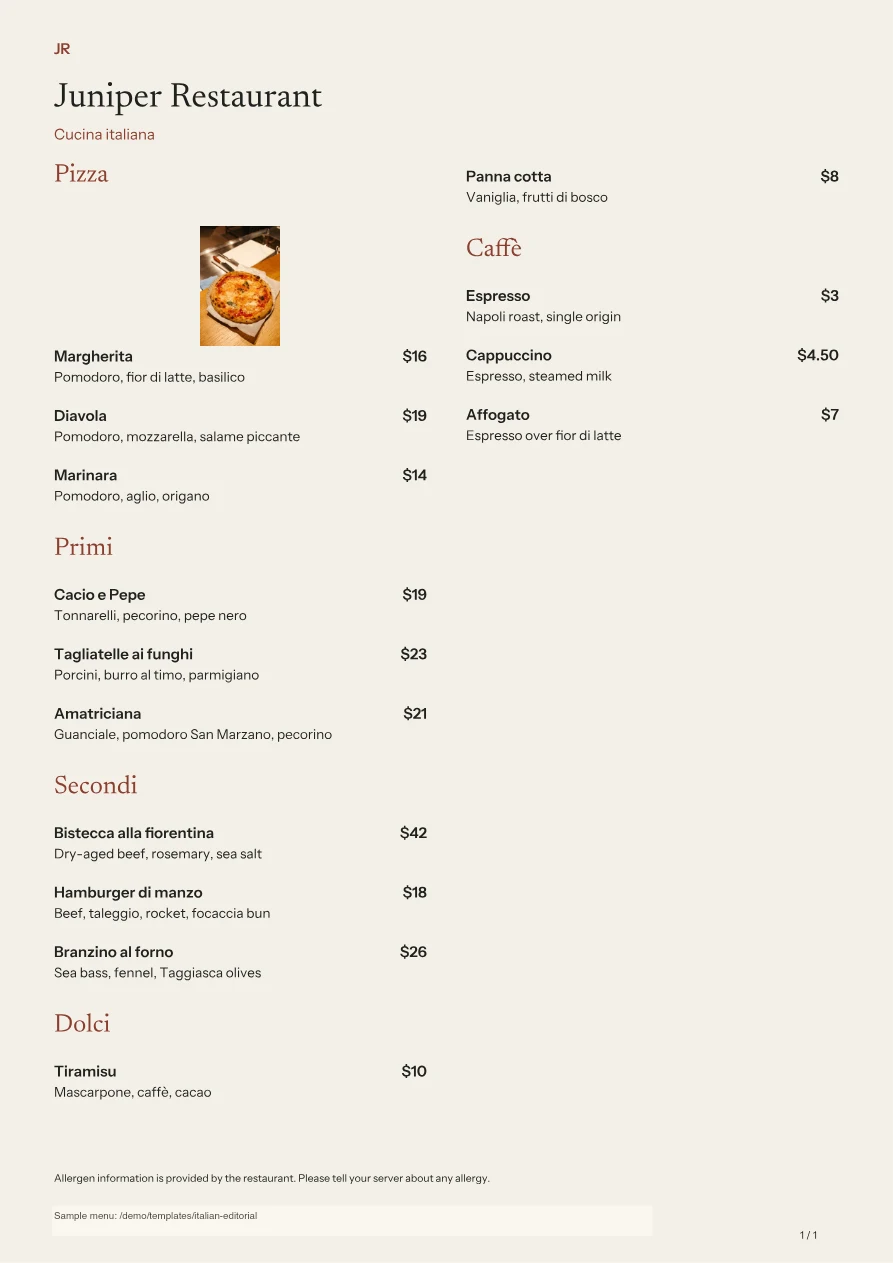 The same menu, ready to printUS Letter · A4 · table tents · 32 templates
Publish on your own domain
No website or hosting to set up.
No app needed for guests
Send in the menu you already have, and we pull out the items and the prices. You check it and publish it.
Upload a photograph of your printed menu, or its PDF.
Paste the link to the menu page you have today.
Copy the rows out of your spreadsheet and paste them in.
Paste the menu however you wrote it; we sort out the rest.
The dishes inside your PDF do not come up as results of their own. When somebody searches for the best pizza near them, your menu is not there.
Every price change means remaking the PDF. Most venues put that off, and the menu goes out of date.
On a phone it is pinch, zoom and drag the whole way. For a guest using a screen reader there is nothing to read at all.
Your menu becomes a web page Google can read, not a PDF.
Visibility
We publish your menu in the form Google and AI assistants can read. Filling it in is the whole of your part.
Every item gets an address and a description of its own. A guest searching for “cacio e pepe” arrives at that dish.
Prices, ingredients and opening hours are published in the form Google can read. That is the groundwork a richer result needs.
Your menu at an address of your own, like menu.yourrestaurant.com. If you have no domain, use ours.
ChatGPT and Google's AI answers prefer facts that are current and ordered. That is the form your menu is served in.
Nobody can guarantee a ranking on Google. What we can do is build the technical groundwork in full.
Import it from a PDF, a photo or a link, or write it in yourself.
Pick a template, then make the colors and the type your own.
Your QR code, your print PDF and your item pages are ready at the same moment.
The same menu, 32 print templates, sharp in every size below. When a price changes the new PDF is one click away, and your QR code never changes.
Your menu link does not change when items and prices do. The QR codes on the tables can stay where they are.
Your menu is published on our servers. You get a link and a QR code of your own, and you can point your own domain at it if you would rather.
Hosting is part of every plan.
Templates
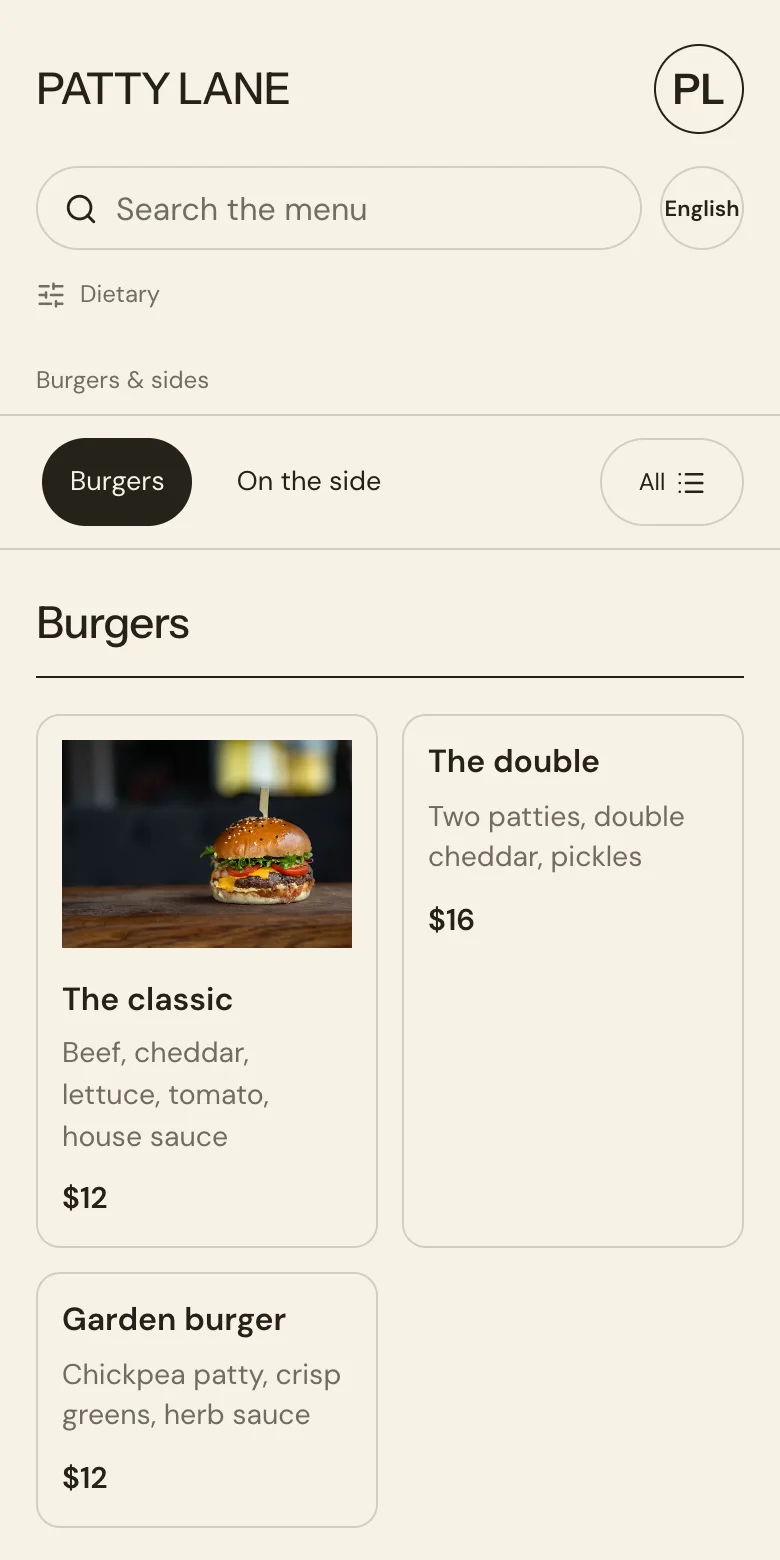
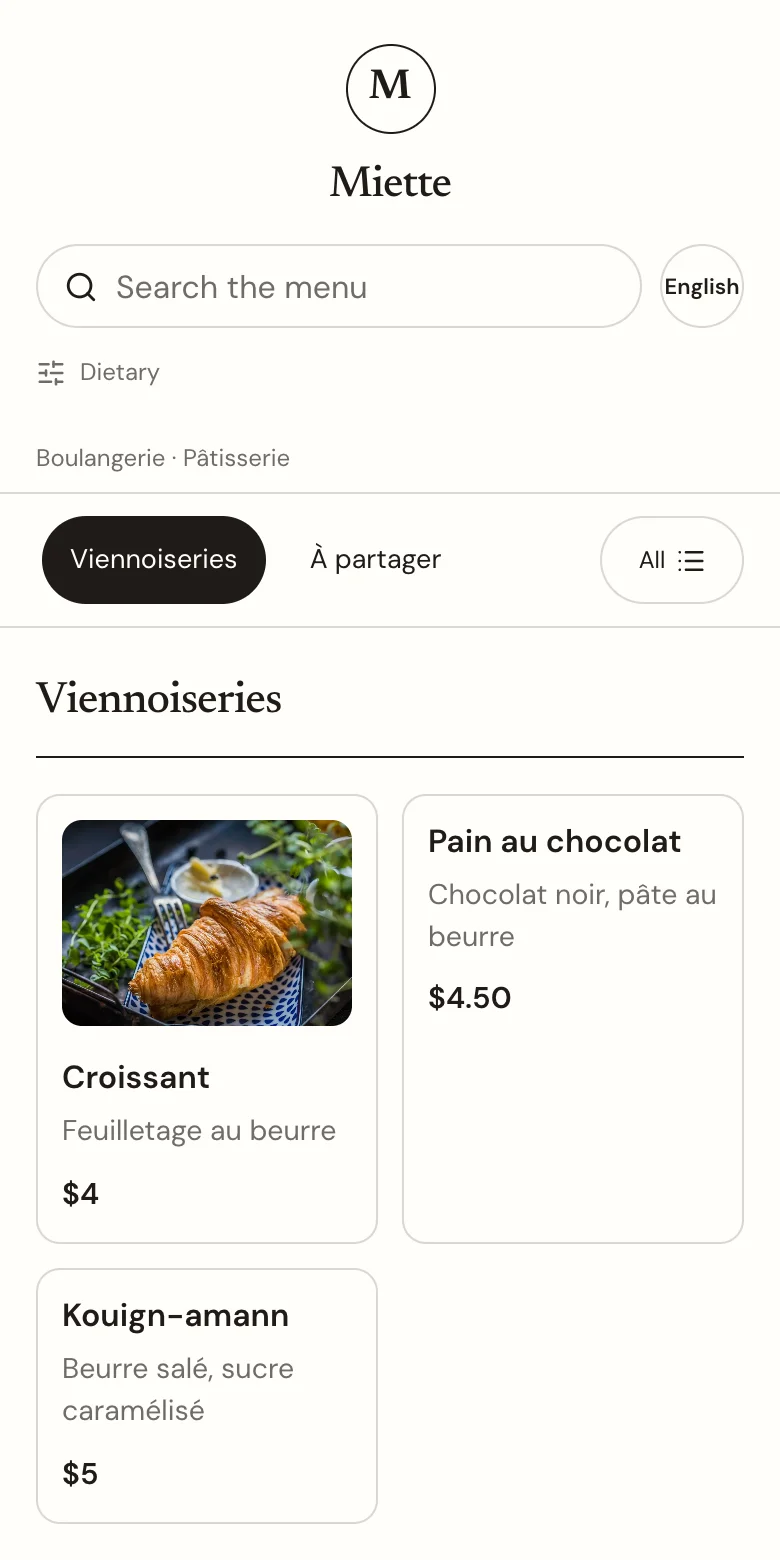
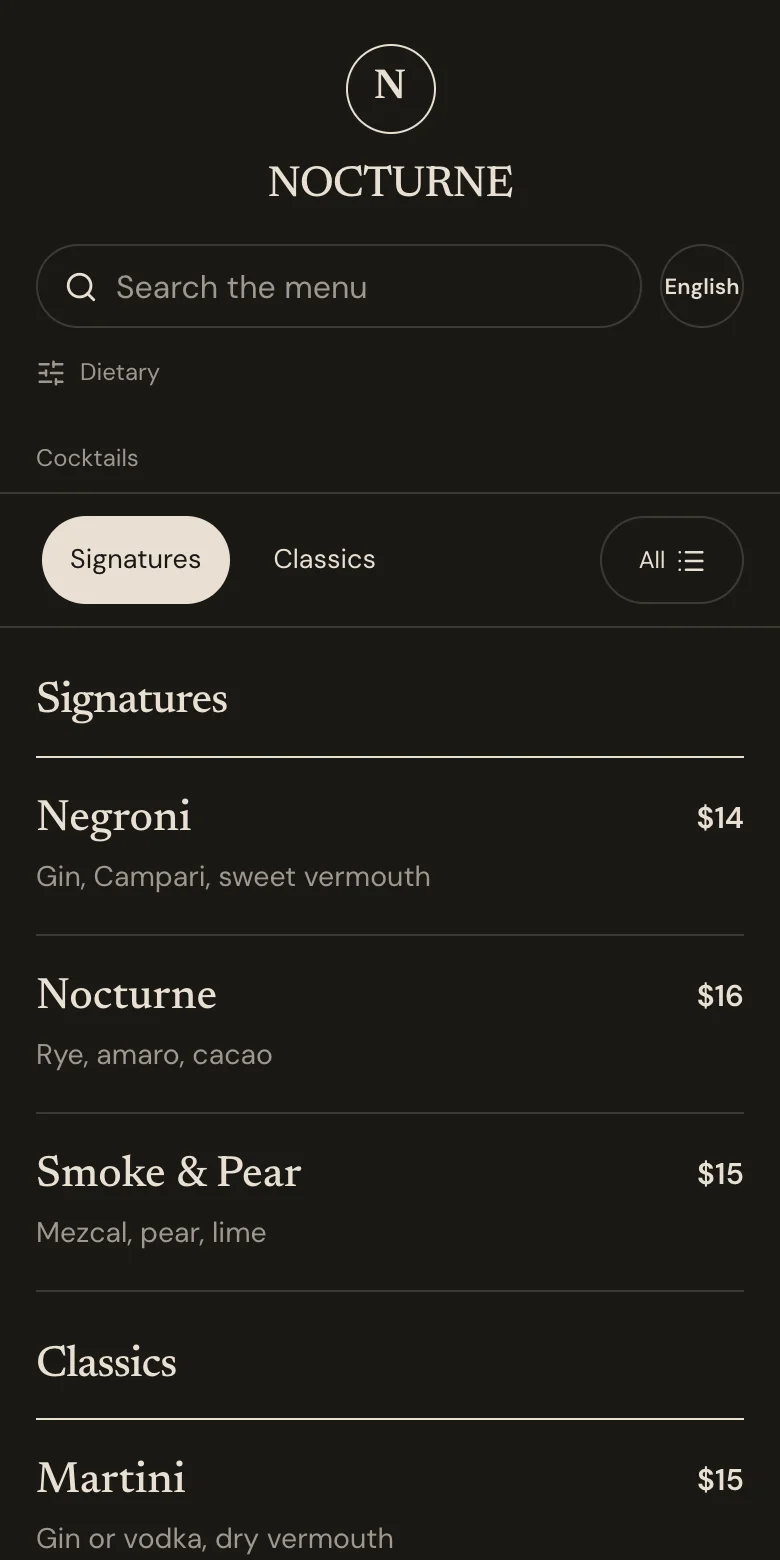
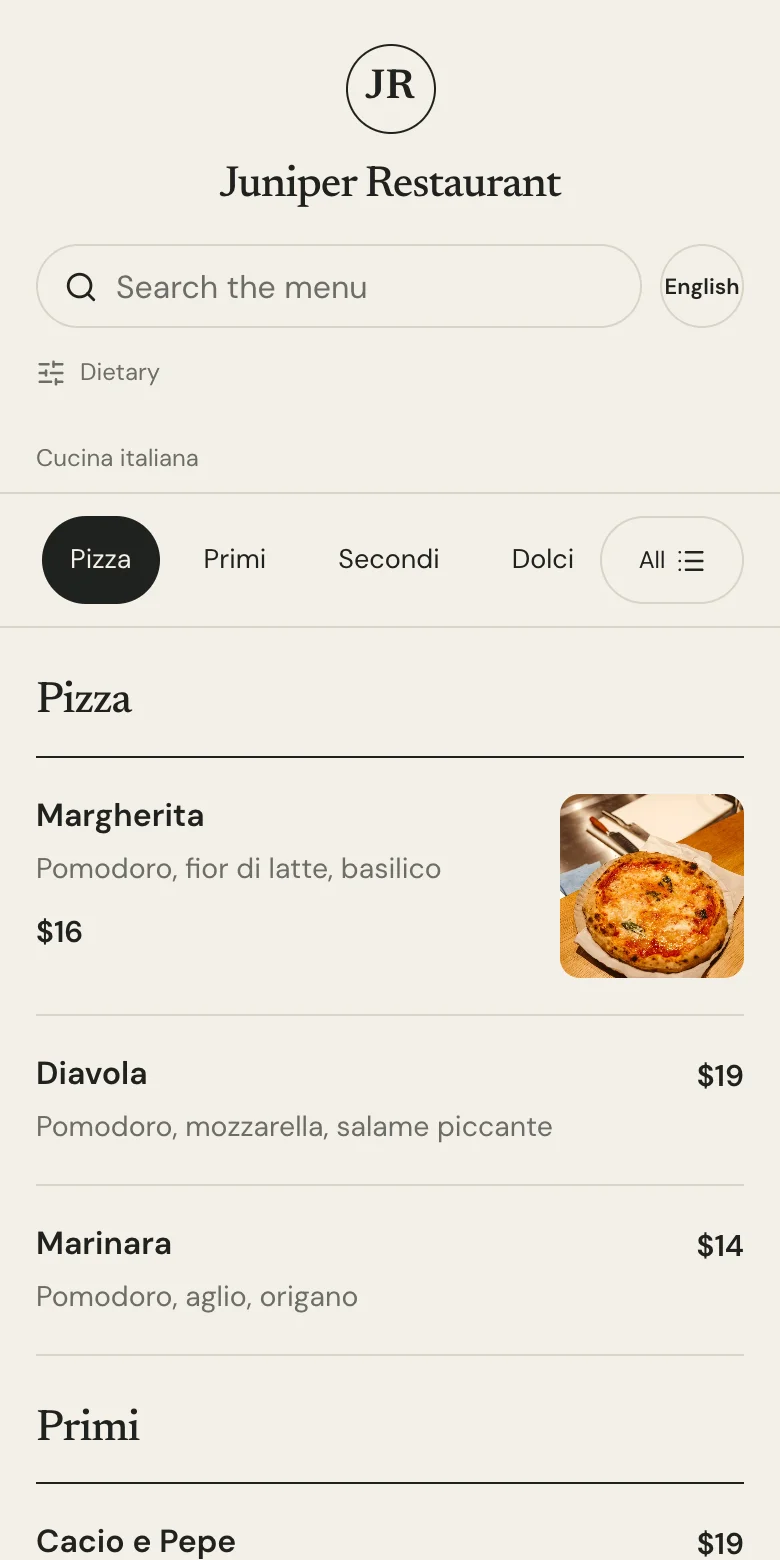
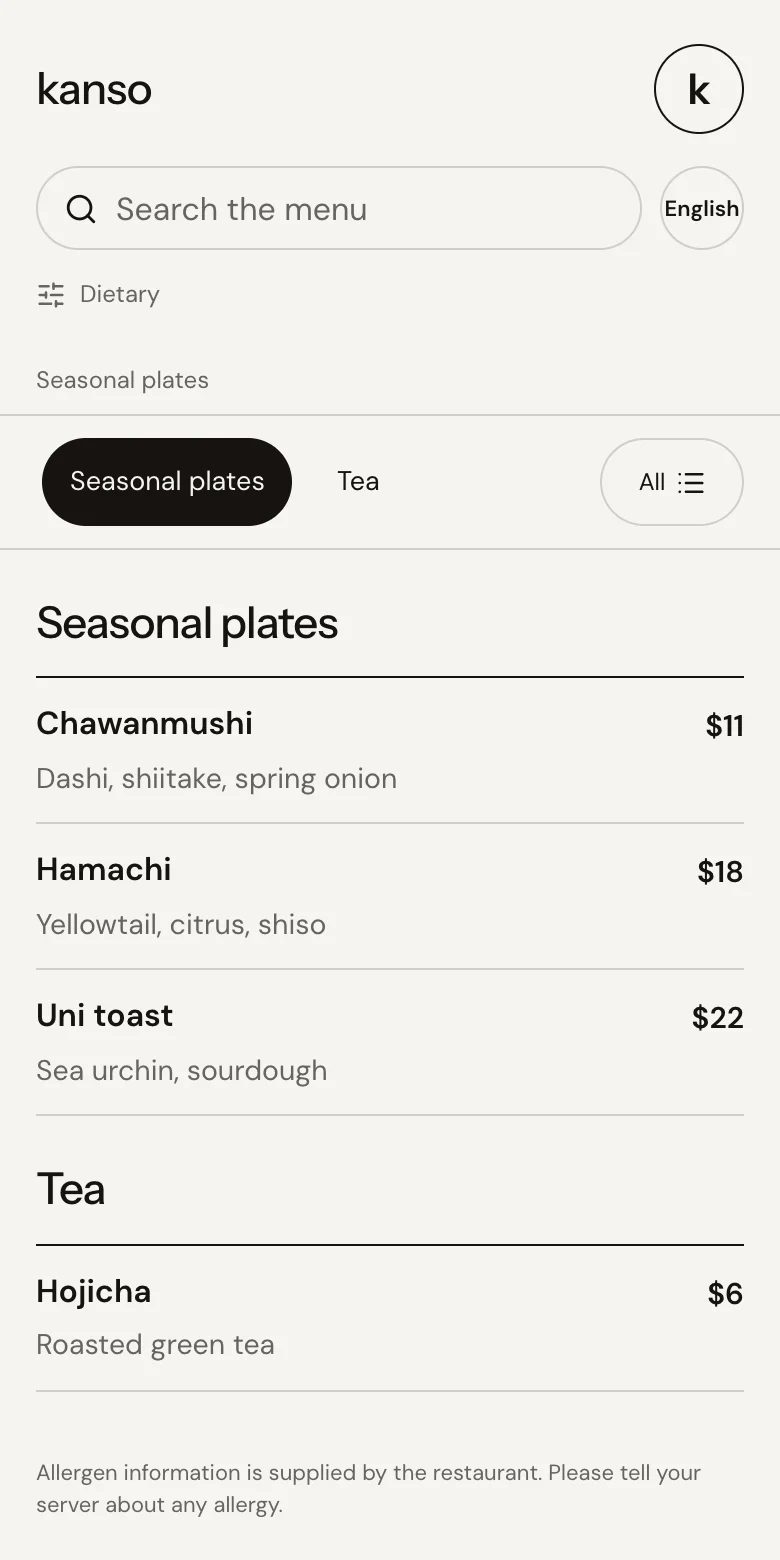
From a café to a cocktail bar, a patisserie to an Italian restaurant. Make the colors, the photographs and the type your own.

| A PDF behind a QR code | A design tool | Your POS menu page | DigitalMenuKit | |
|---|---|---|---|---|
| Every dish can be found on Google | No | No | PartlyPartly | Yes |
| Published on your own domain | No | VariesVaries | No | Yes |
| Change a price in one place | No | No | Yes | Yes |
| A print PDF from the same menu | Yes | Yes | No | Yes |
| Hide a sold-out dish at once | No | No | Yes | Yes |
| The right menu at the right hour | No | No | VariesVaries | Yes |
Scroll sideways to see every column.
How many people opened your menu, the hours they came, and the dishes they looked at most, in your panel.
From fine dining to ramen, from brunch to a wine bar.
EVERYDAY MENU MANAGEMENT
Edit it in the panel and your menu changes at once. Move a price by more than 30% and we ask you to confirm before it saves.
Try the menu editorYour staff mark it from their own phone, in one tap. Prices and settings stay with you.
Try the staff demoGive each menu its hours, and the right one opens by itself at the right time.
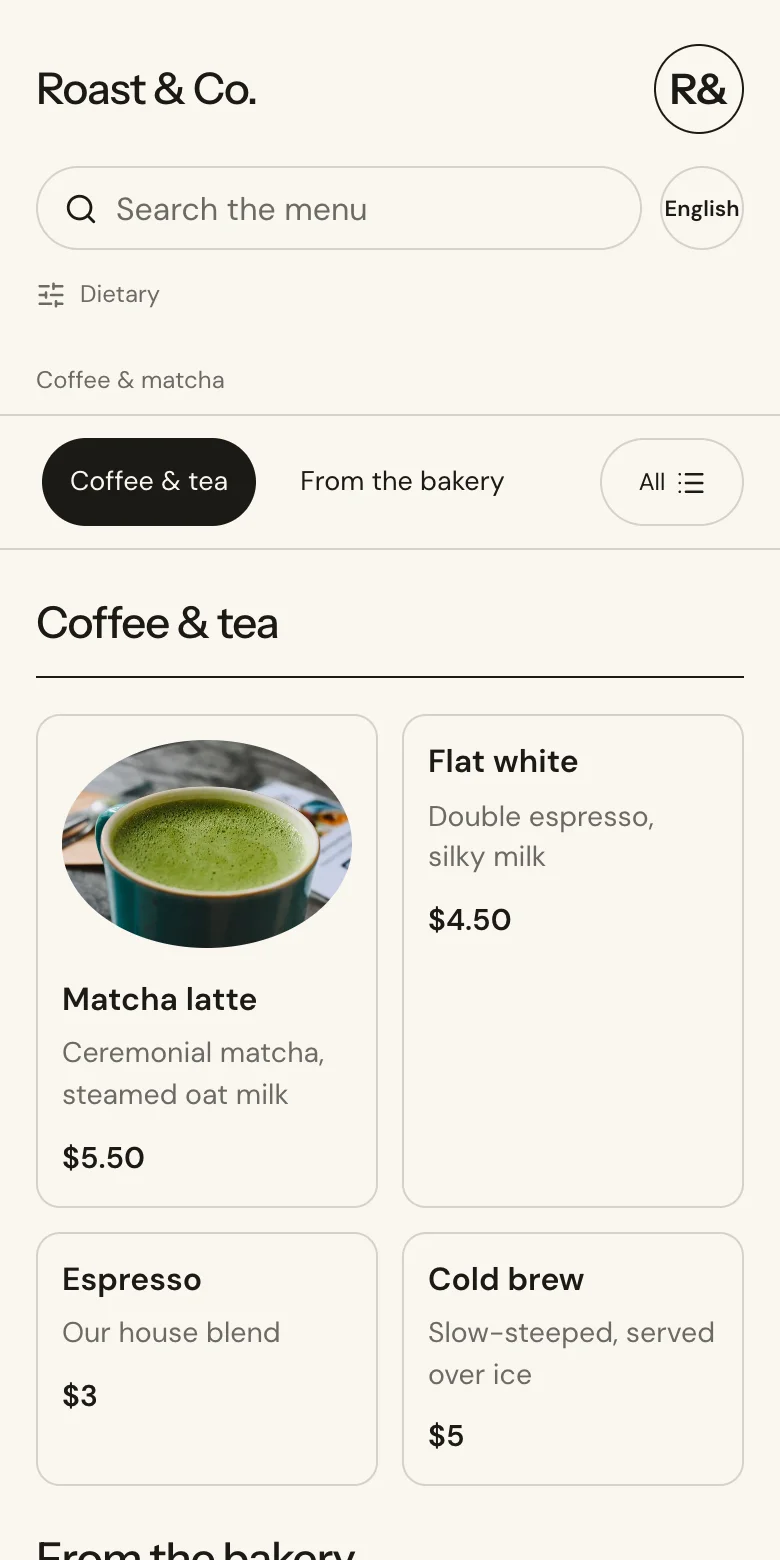
Translate your menu, and let the guest pick their own language.
Every saved change is listed, with the person who made it and the time.
Vegetarian, vegan, gluten-free and spicy can be filtered. Allergen notes sit under each dish.
Staff screen · sample
Tap an item to change its state.
Pricing
No setup fee, no hidden charges. Cancel whenever you like.
$199/yr
Works out at about $16.58 a month · Saves $149 a year
Create your menu, freeBuilding it and previewing it is free. We ask for a card only when you publish.
Only your own brand appears on your menu. No logo of ours.
Open an account, build your menu, choose its design and see how it looks on a phone — all of that is free. We ask for a card only when you publish. Canceling is one click in the panel: your menu stays up until the end of the period you paid for, and does not renew.
On the import screen, in one of four ways: a photograph of your printed menu, your PDF, a link to the menu page you have today, or rows copied out of Excel or Sheets. We pull out the items, prices and descriptions and build your draft, up to 150 items per import. A draft is not live — you check it, fix what you want, and publish it yourself.
No. Your menu is published on our servers at an address of its own, and your QR code points at that address. The server, the certificate and the updates are ours; hosting is part of both plans. If you do own a domain you can move your menu onto it, but you do not have to.
Yes, without touching your site. Either point its Menu button at your menu's address, or aim a subdomain like menu.yoursite.com at us and publish the menu on your own domain. The second way puts your dish pages on your domain too.
Add one CNAME record at your registrar — menu.yourrestaurant.com pointing at menus.digitalmenukit.com — then press Verify in the panel. We check the record, obtain the certificate and switch your menu over, usually within a minute of the record appearing. Your plan does not register a .com for you; you point a subdomain of one you already own. Your QR codes keep working: the old address redirects permanently to the new one.
Indexing usually takes days to weeks after you publish, and where you rank depends on your content and on who else is competing for the same search. Nobody can promise either. What we do is the technical part in full: a page for every dish, the structured data Google reads, a sitemap that updates the moment you publish, and pages fast enough to be crawled.
We cannot control what an assistant does, and anyone who says otherwise is guessing. What we can do is make your menu easy to read correctly: the same structured data the page carries is also served as JSON at your menu's address, alongside an llms.txt file that describes the menu. An assistant reading either gets today's price rather than a guess from an old PDF.
Your staff open a separate screen with a six-digit PIN, and there they can do one thing: mark a dish sold out, or put it back on. The change reaches the guest menu at once. They cannot see or change prices, design, translations or account settings, and you can change the PIN or revoke access from the panel.
The price is per venue: $29 a month, or $199 a year. You run all of your venues from the same account, and each one has its own menu, its own QR code and its own plan. Changing a price at one venue does not touch another.
Moving the menu you have takes about ten minutes. Preview it free; publish when you are ready.